Budgeting + bill splitting, made friendly

Know what your money can do today.

SpendWise helps you give every dollar a job, see what's left to spend, and split shared costs with friends — clearly, calmly and without judgement.

Already have an account? Log in
  • Free to start
  • No bank login needed
  • Works in your browser
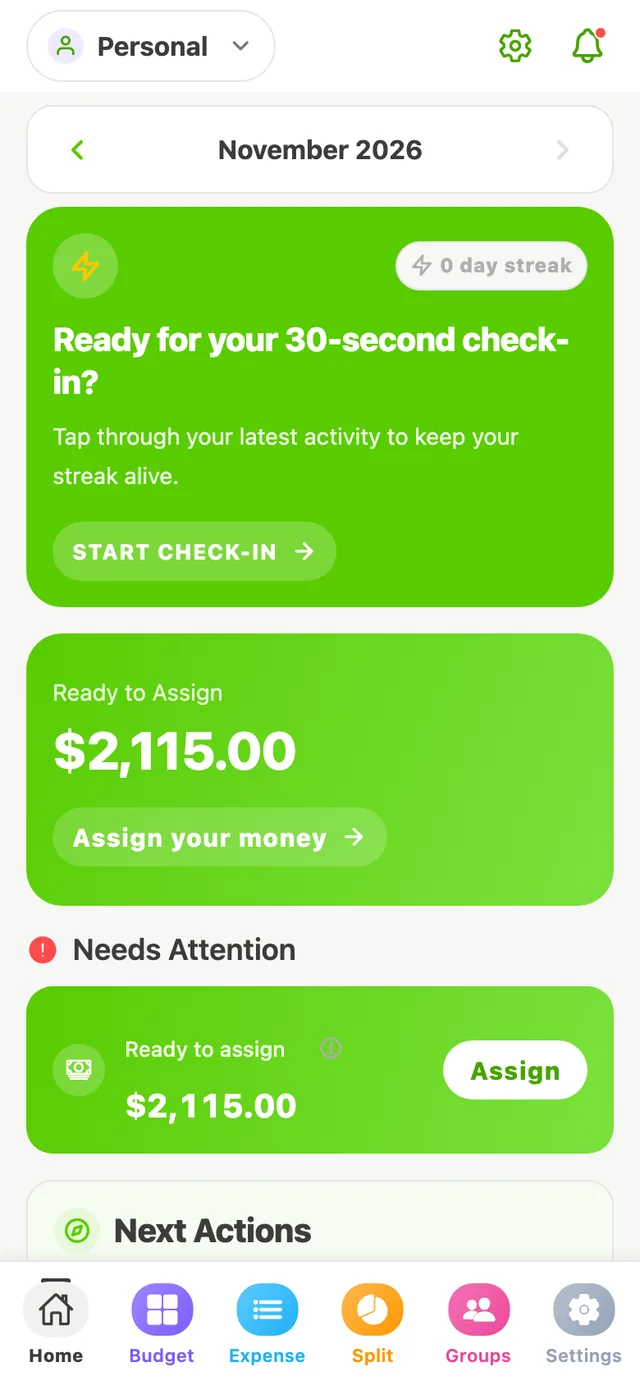
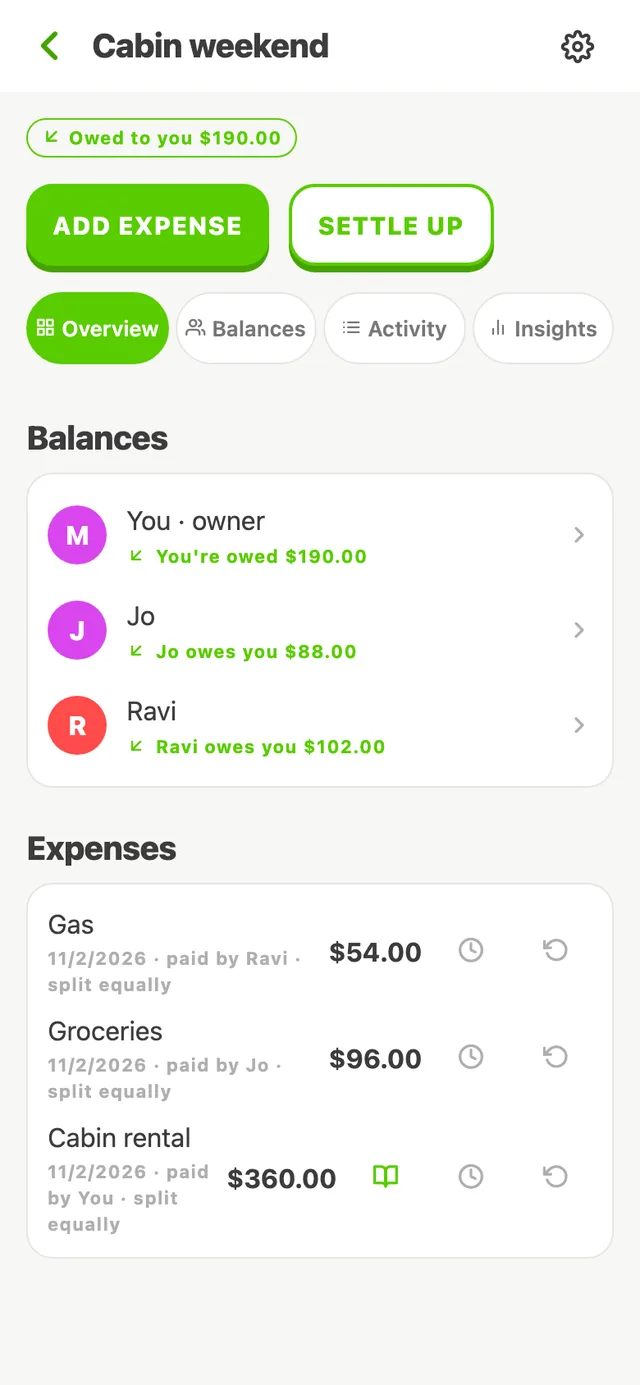
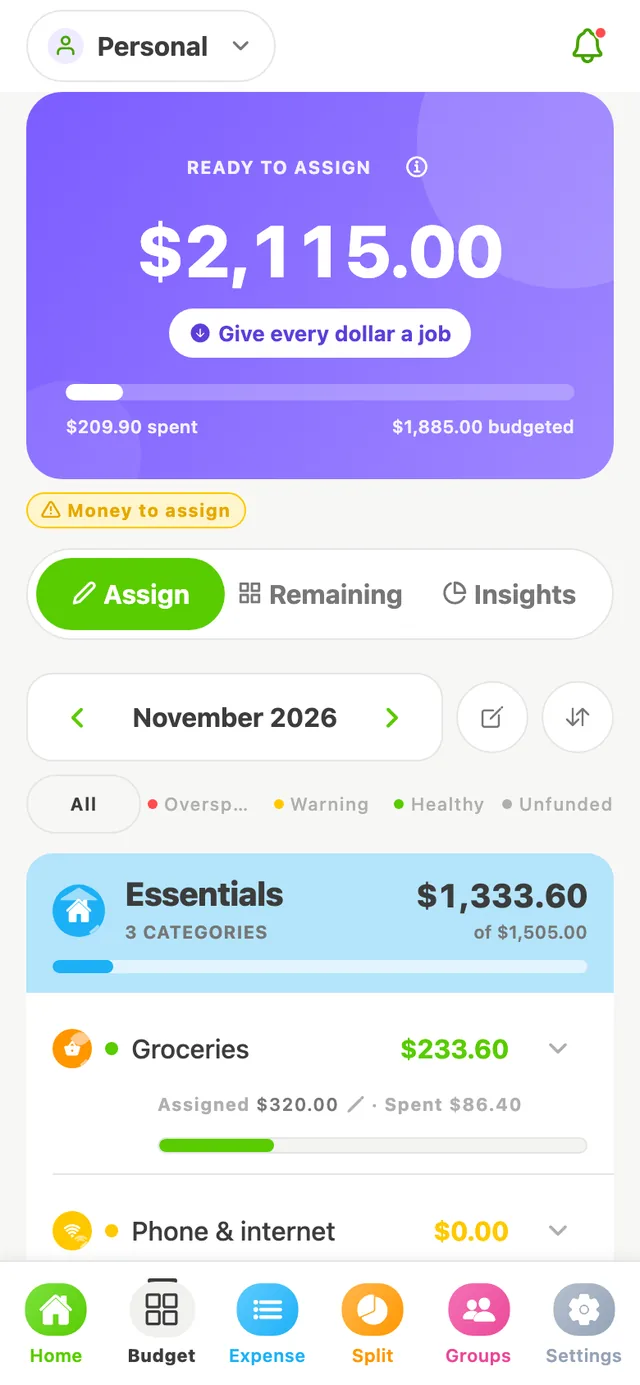
SpendWise budget screen showing Ready to Assign of $2,115.00 and the Essentials group with Groceries at $233.60 available. SpendWise home screen with a check-in card, Ready to Assign of $2,115.00 and a Needs Attention section. SpendWise expense group called Cabin weekend showing you're owed $190.00, Jo owes $88.00 and Ravi owes $102.00.

Three habits, one app

Plan it. Track it. Share it.

SpendWise is built around a simple loop that keeps you in charge of every dollar.

Plan before you spend

Put the money you have into categories like rent, groceries and fun. When Ready to Assign hits $0.00, every dollar has a job.

How budgeting works

Track as you go

Record income and expenses in a few taps. Each category shows what's left, so “can I afford this?” has a real answer.

See the walkthrough

Split shared costs

Trips, rent, dinners: add the expense, split it, and see who owes whom. Settle up and everyone's back to zero.

Explore split expenses

Quick tour

From paycheque to peace of mind

Real screens from the SpendWise app, filled with made-up example data.
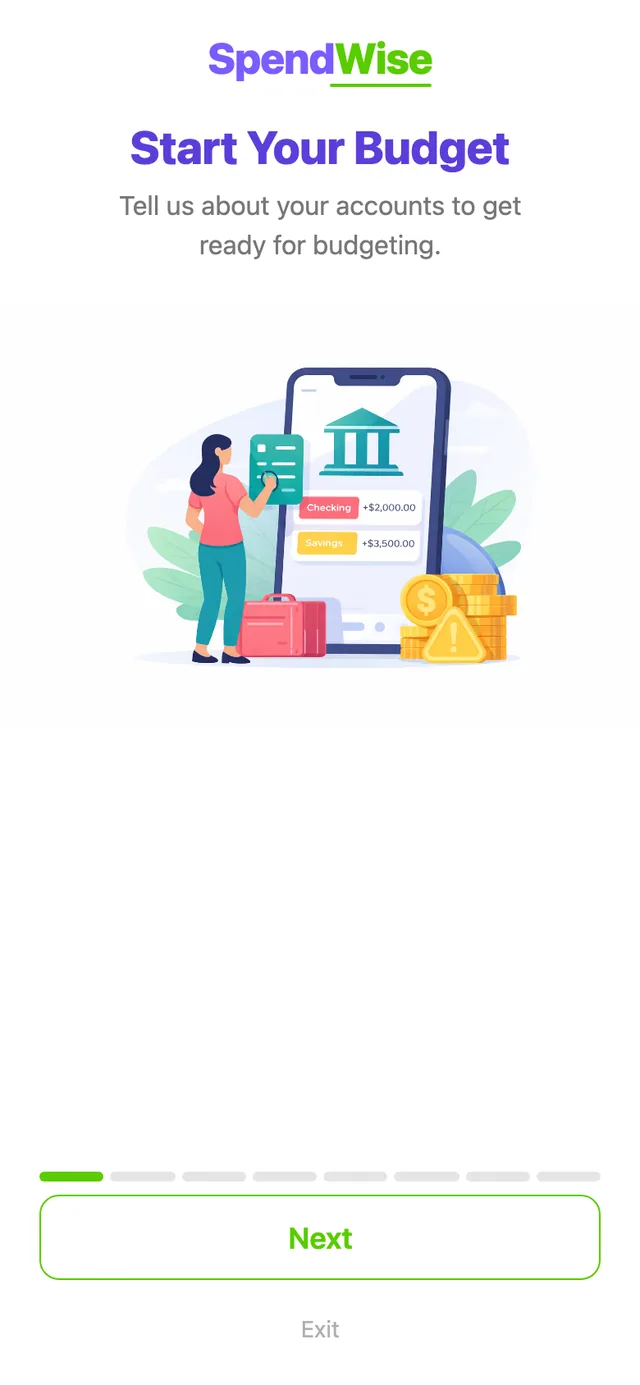
SpendWise setup screen titled Start Your Budget.

Rather watch? The whole flow in about a minute.

Real SpendWise screens, made-up sample data. Narrated, with captions.
Read the transcript

A 75-second narrated walkthrough of the SpendWise web app, with captions. Maya, Jo, Ravi and every amount are made up for this demo.

  1. Budget. Maya's budget groups her categories into Essentials (Rent, Groceries, Phone & internet), Lifestyle (Dining out, Fun money) and Savings (Emergency fund). She has $400.00 Ready to Assign. She taps Groceries, assigns $320.00 and saves; Ready to Assign drops to $80.00.
  2. Ready to Assign. On the Expense tab she records her $1,600.00 paycheque as income, and Ready to Assign rises to $1,680.00. Back on the budget she assigns $1,100.00 to Rent, $150.00 to Dining out and $430.00 to her Emergency fund. Ready to Assign reaches $0.00: every dollar has a job.
  3. Covering overspending. She records a $186.50 birthday dinner in Dining out, which is now overspent by $36.50. She taps Cover, picks Groceries and checks the preview (Groceries goes from $320.00 to $283.50, Dining out from −$36.50 to $0.00), then confirms. Dining out is back to $0.00.
  4. Splitting a bill. In her Friday dinners group with Jo and Ravi, Jo already paid $120.00 for concert tickets, so Maya owes $40.00. She adds Dinner at Luigi's, $96.00, split equally at $32.00 each. Now $24.00 is owed to her: Ravi owes her $32.00 and she owes Jo $8.00. Ravi pays her back outside the app, so she opens Settle up, records that Ravi paid her $32.00 and confirms. Ravi and Maya are all settled. SpendWise doesn't move money; it records payments made elsewhere.

Try it — no account needed

Plan a paycheque in 30 seconds

This is how budgeting works in SpendWise. Give each dollar a job, then handle a surprise the way the app does.

Split expenses

Shared costs, without the awkward maths

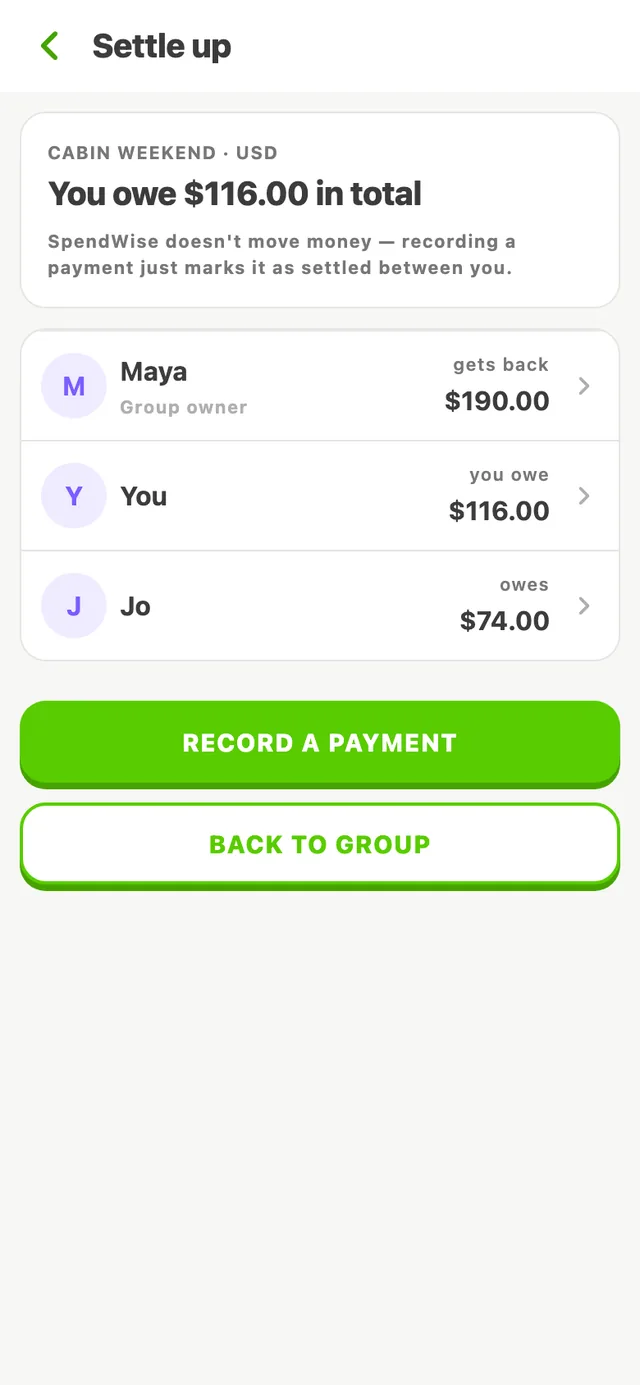
Make a group for a trip, your apartment or a dinner club. Add what each person paid and SpendWise works out who owes whom, to the cent.
  • Split equally, by exact amounts or by percentage
  • Clear balances: “You owe” and “Owed to you”
  • Your share counts in your own budget — not the whole bill
SpendWise Settle up screen: you owe $116.00 in total; Maya gets back $190.00 and Jo owes $74.00.

The SpendWise way

Calm money, not guilt

Encouraging, never judgy

Overspent on dinner? SpendWise says the category needs attention and shows how to fix it. No red-ink lectures.

You stay in control

You enter your own income and spending. No bank passwords, no automatic payments, nothing moves without you.

Numbers that add up

Every balance comes straight from your transactions, so what you see on screen always reconciles.

Ready to give your money a plan?

Create a free account, set up your first budget, and see exactly what you can spend.