
Money waiting for a job
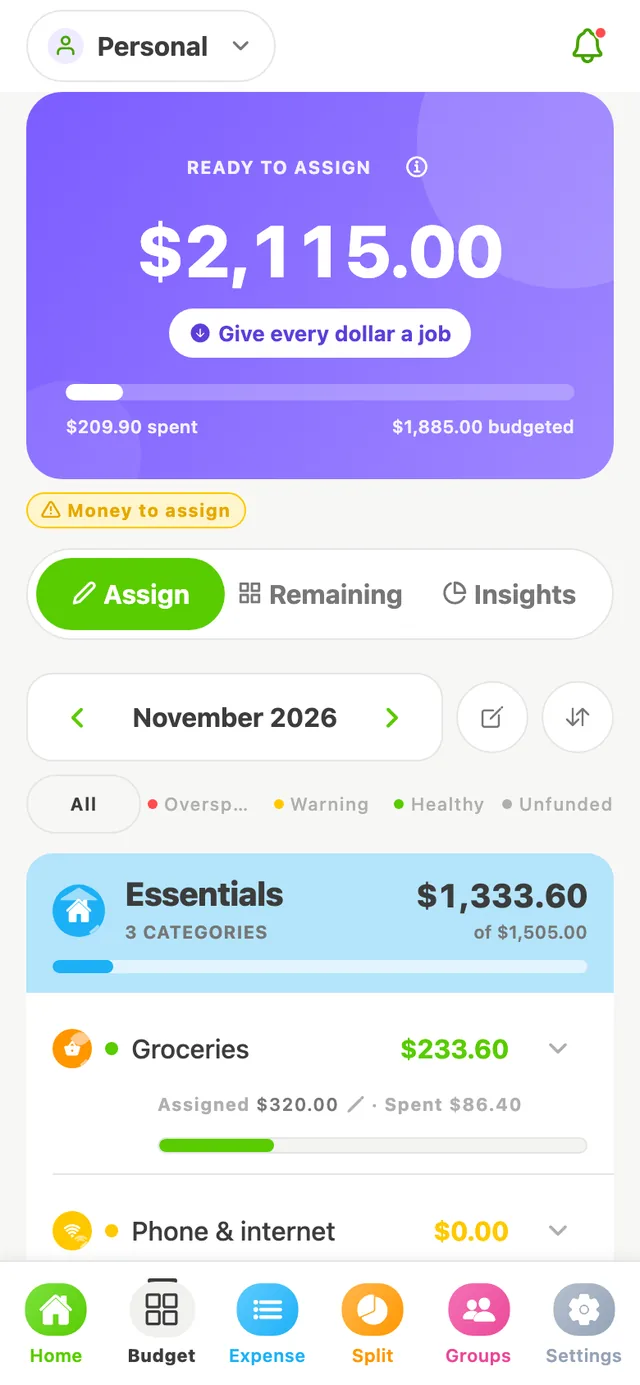
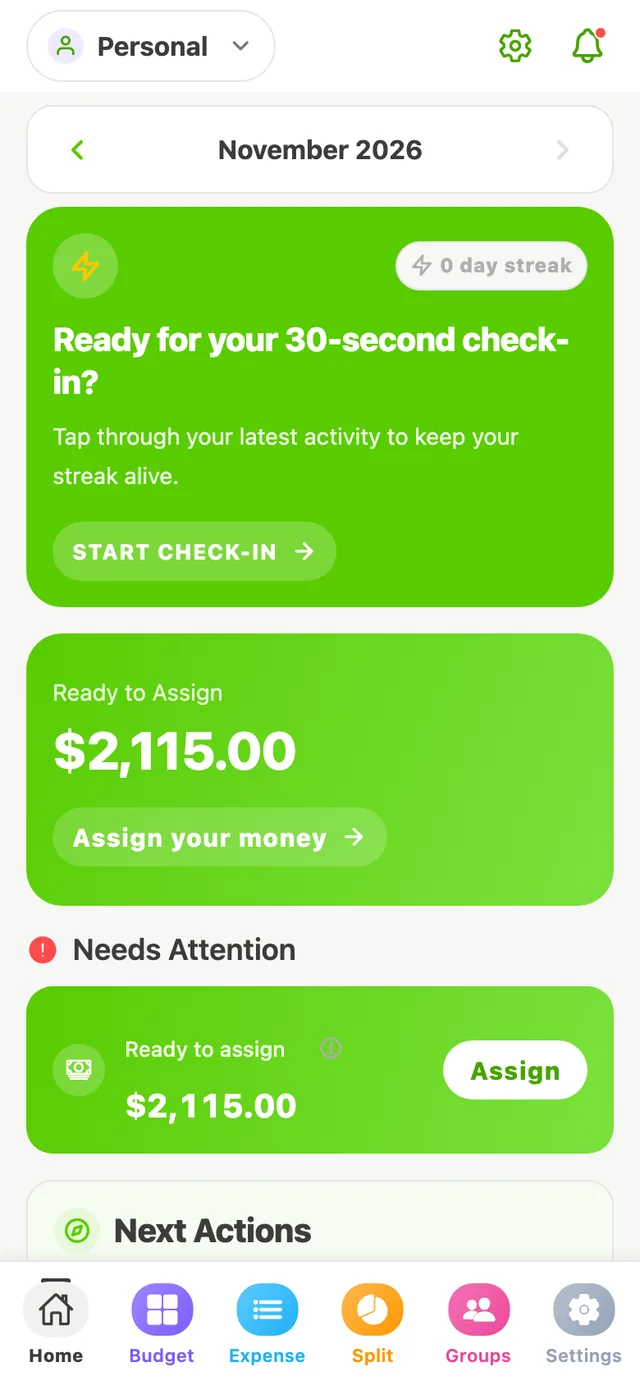
Cash you have that isn't in a category yet. Your goal is to bring it to $0.00 — not by spending it, but by planning it.
You have $2,400 and assign $1,885. Ready to Assign: $515.
Budgeting
SpendWise uses envelope budgeting: split what you have into categories, spend from them, and adjust when life happens. Here's every idea you need, in plain language.
The words you'll see
These are the same labels you'll find in the app.
Cash you have that isn't in a category yet. Your goal is to bring it to $0.00 — not by spending it, but by planning it.
You have $2,400 and assign $1,885. Ready to Assign: $515.
The amount you've set aside for a category this month — your intention for that money.
Groceries: $320.00 assigned.
The total of transactions you've recorded in that category this month.
Groceries: $86.40 spent at the corner market.
Assigned minus spent. This is the number to check before you buy something.
Groceries: $233.60 available Healthy
You spent more than you assigned. Cover it from another category, or it comes out of next month's Ready to Assign.
Dining out: -$12.00 Overspent
Shift money between categories whenever priorities change. You're re-planning, not creating money.
Move $40 from Fun money to Groceries.
Planning
Group categories the way you think — Essentials, Lifestyle, Savings — and give each one a monthly amount during setup.
Transactions
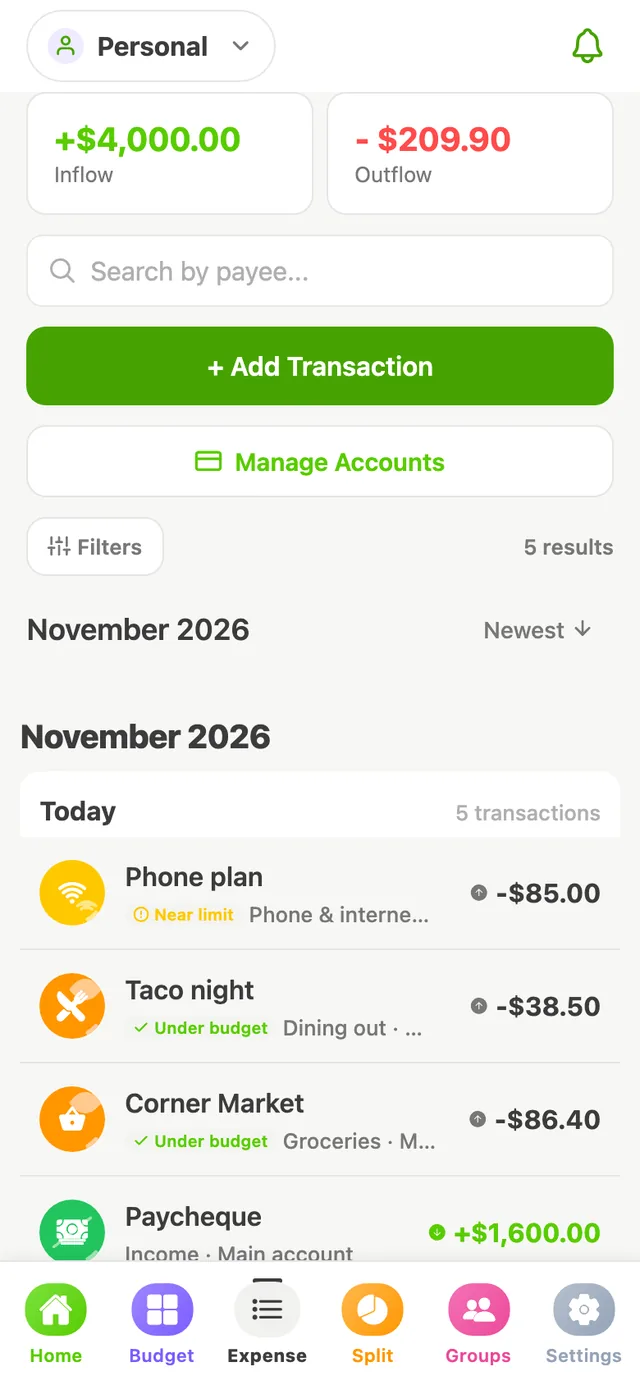
Record income and expenses as they happen, against checking, savings or cash accounts.
Decisions
Because every dollar is planned, the answer is right there in the category.
SpendWise shows you your own numbers. It doesn't give financial advice or promise savings — you make the calls.
Goals
Set a goal from the Goals card on Home and SpendWise tracks your progress and shows how much to set aside each month.
An emergency fund, a trip, a new laptop. Set a target and watch the progress bar fill.
Car insurance in June? Add the amount and the date, and see how much to put aside each month.
Track what's left on a card or loan and how far you've come.
The free plan includes one savings or planned-expense goal and one debt goal at a time.
Want to feel it before you sign up? The paycheque demo on the home page lets you assign a sample $1,600 and cover a surprise overspend, exactly like the app.
Free to start. Set up takes a few minutes, and you can change everything later.