
Cover an overspent category
Spent more than planned? Cover the gap with money from a category that has some to spare. If you don't, it comes out of next month's Ready to Assign.
How it works
SpendWise uses envelope budgeting: you plan with the money you actually have, then track spending against that plan. Here's exactly what that looks like in the app.
Watch the tour
Budget a paycheque, cover an overspend and split a bill, all in the real app.
A 75-second narrated walkthrough of the SpendWise web app, with captions. Maya, Jo, Ravi and every amount are made up for this demo.
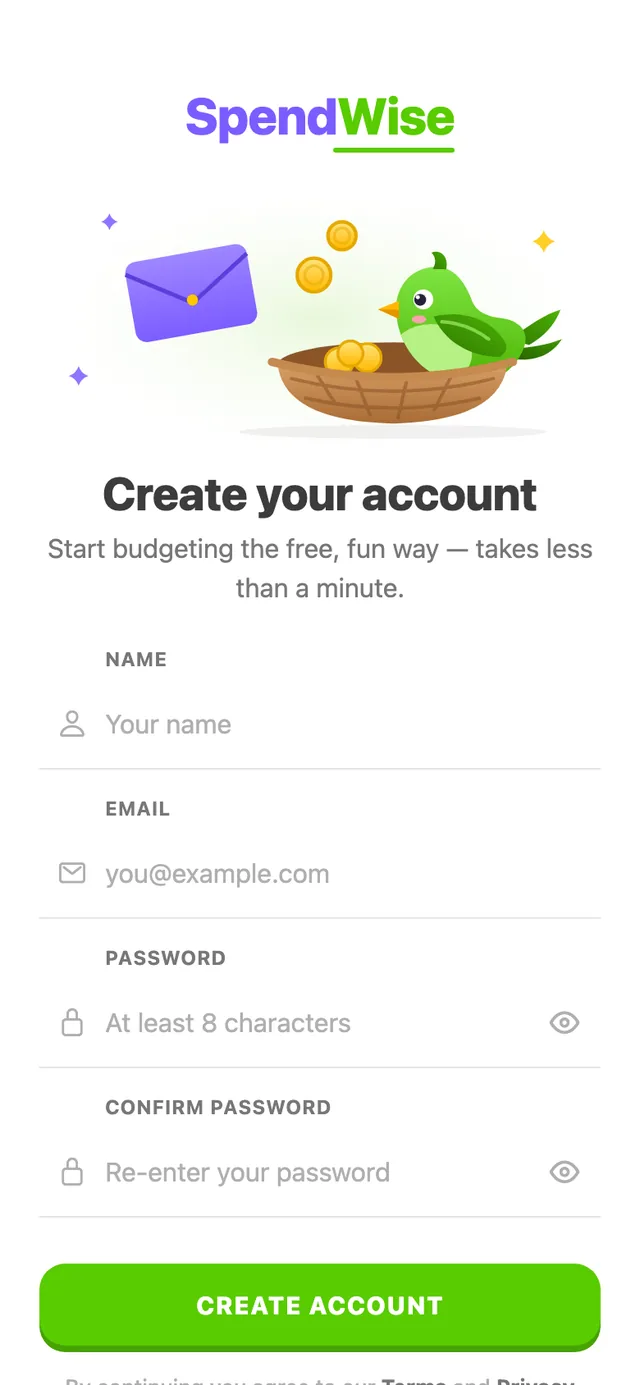
Sign up with your name, email and a password, then confirm your email address. That's it — no card, no bank login.
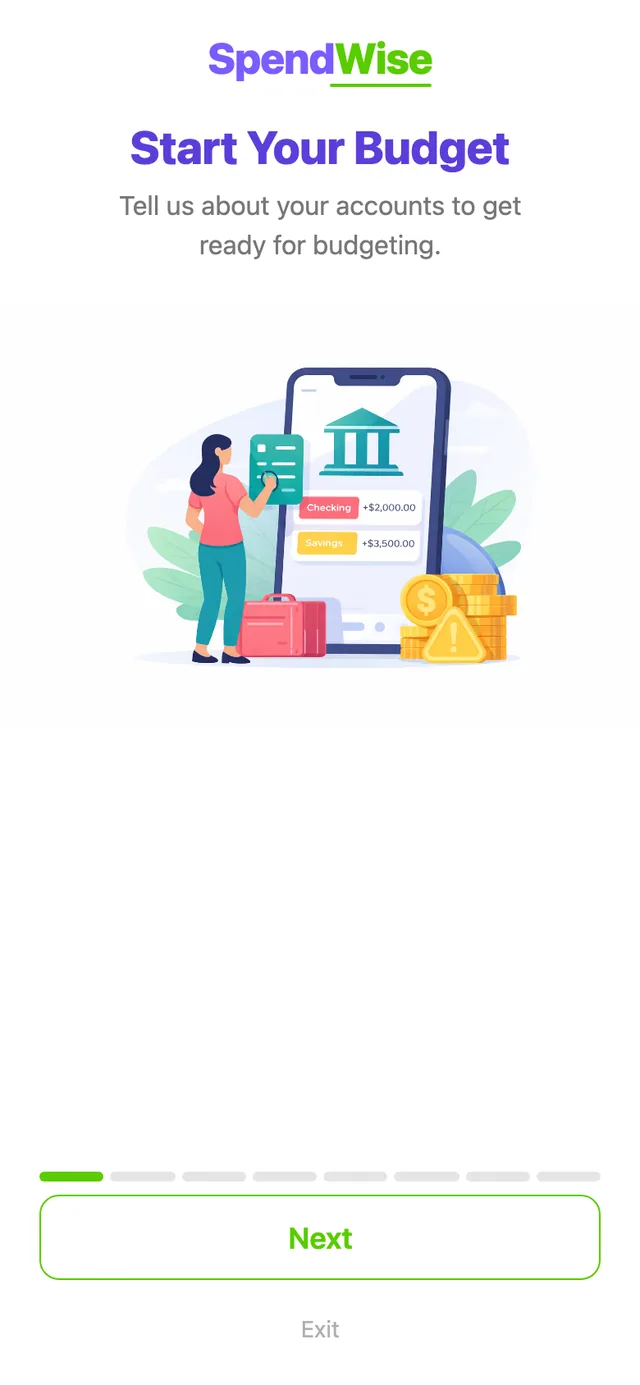
A short guided setup asks for the basics:
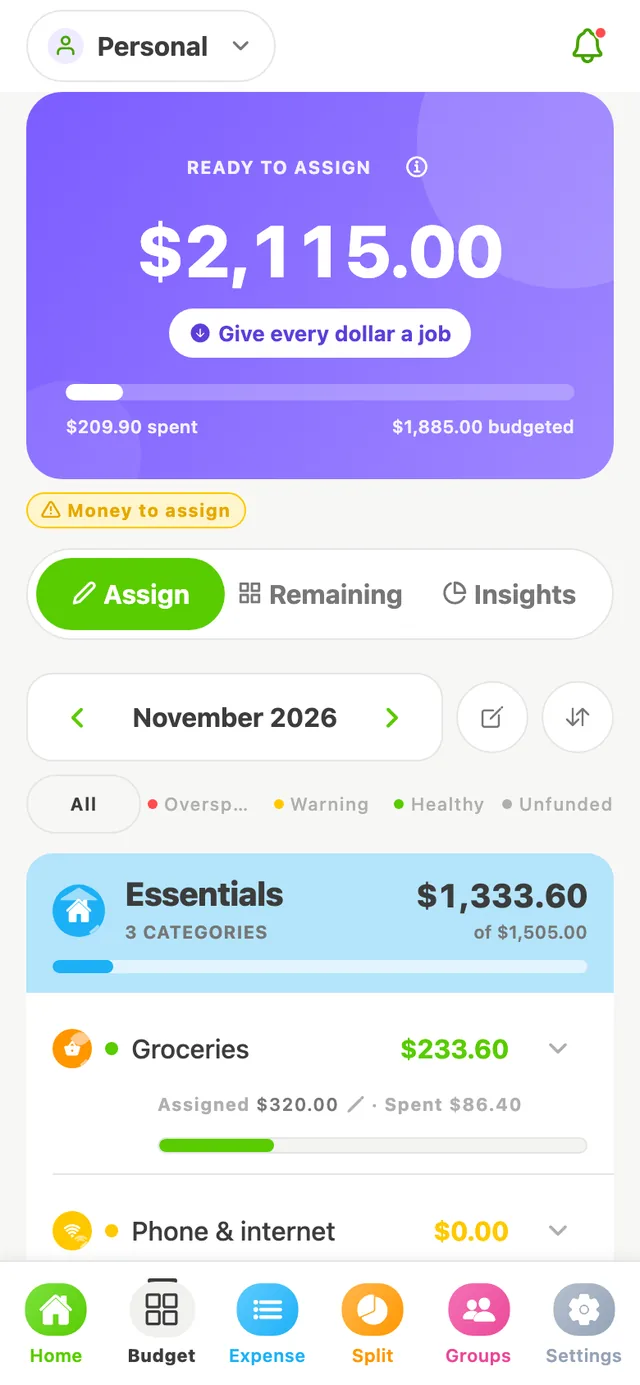
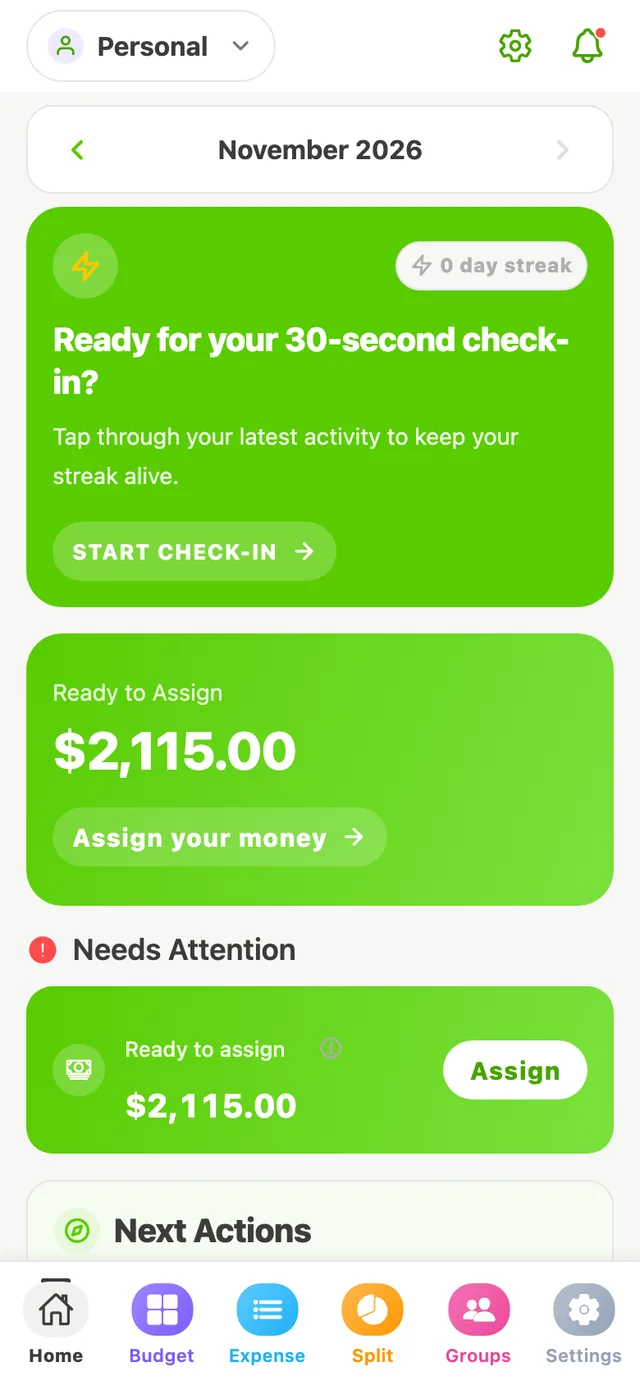
Your budget shows Ready to Assign: money you have that isn't planned yet. Assign it to categories until it reaches $0.00.
Only real money counts. Income you're expecting later doesn't show up here until it arrives, so you never plan with money you don't have.
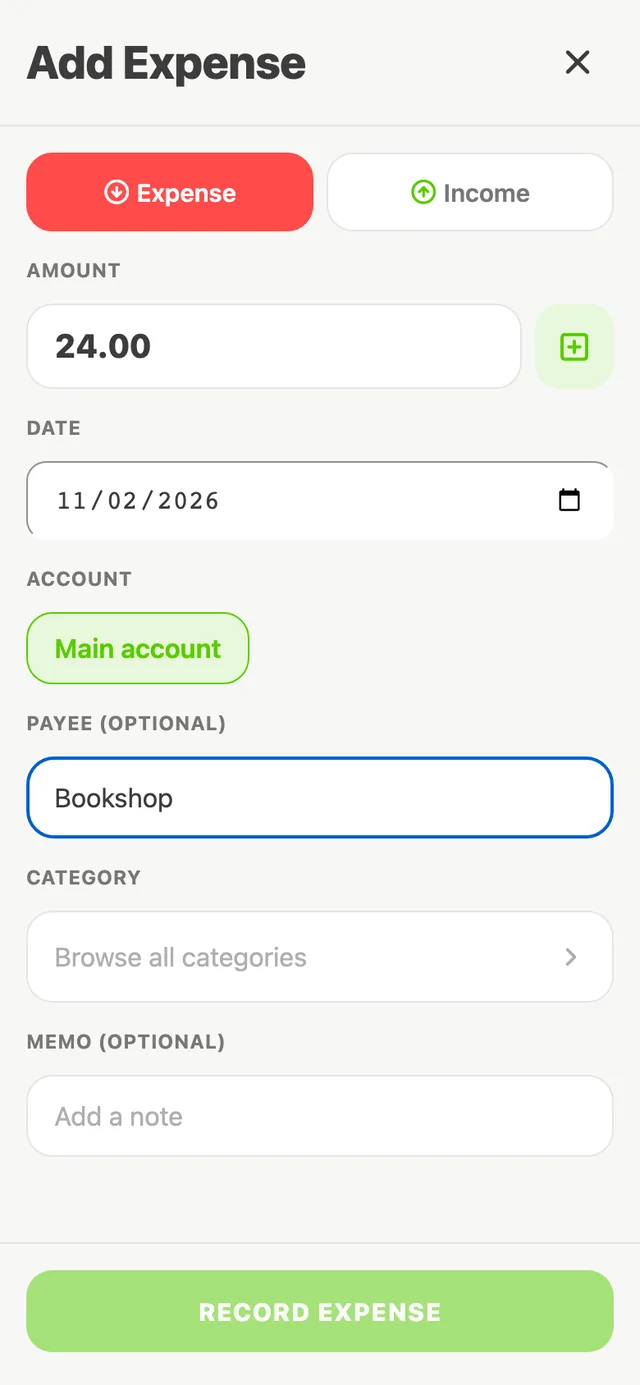
Add an expense or income with the amount, payee and category. The category's “available” amount updates right away.
You enter transactions yourself — SpendWise doesn't connect to your bank. Many people find that a few seconds per purchase is exactly what keeps them aware.
Home brings together what matters now: money waiting to be assigned, categories that need attention, how much is safe to spend today, and where your money went this month.
A quick check-in walks you through recent activity so nothing slips by.
When life happens
Spent more than planned? Cover the gap with money from a category that has some to spare. If you don't, it comes out of next month's Ready to Assign.
Priorities shift. Move money from one category to another at any time — your total stays the same.
When you record income, it lands in Ready to Assign, waiting for you to give it a job.