
Create a group
Name it — “Cabin weekend”, “Apartment 4B”, “Dinner club” — and pick its currency from 30 options. Each group has one currency, so balances stay simple and nothing is converted.
Split expenses
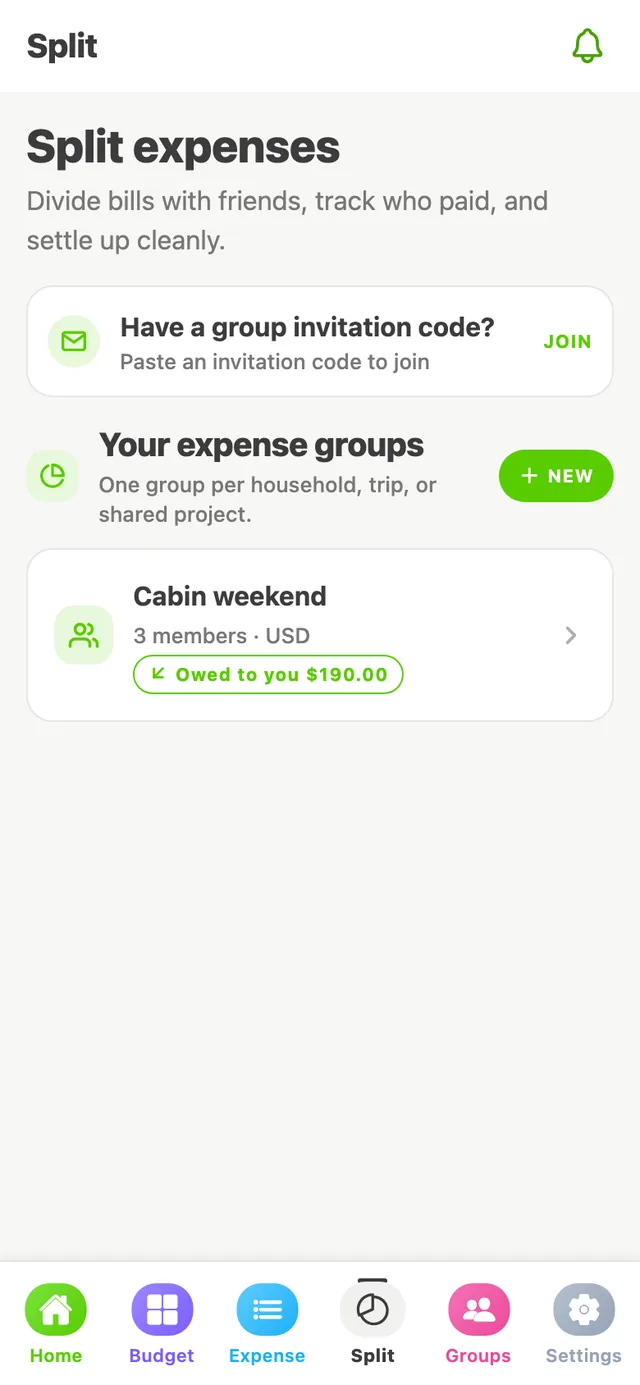
Trips, rent, groceries, birthday dinners — add shared costs to a group and SpendWise keeps a running tally of who owes whom, down to the cent.
How it works
Name it — “Cabin weekend”, “Apartment 4B”, “Dinner club” — and pick its currency from 30 options. Each group has one currency, so balances stay simple and nothing is converted.
Enter a friend's email address and SpendWise creates an invite link just for them. Send it by text, chat or email — it works once, for that email address, for 7 days. Everyone in a group has their own free SpendWise account, so each person sees the same balances.
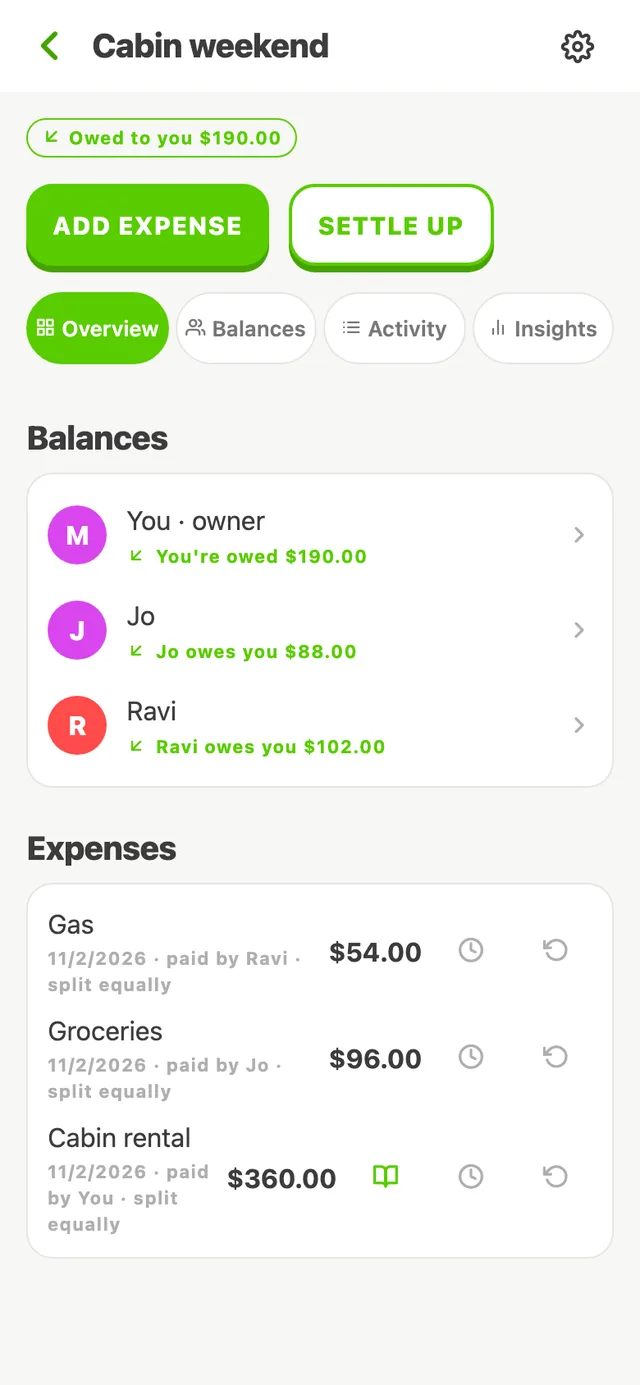
Enter the amount and description, then split it equally, by exact amounts or by percentage. Uneven cents are handled for you, so shares always add up to the total.
Every member's balance is what they paid minus their share. Balances are labelled in words — You owe, Owed to you, Settled up — not just colours.
Settling up
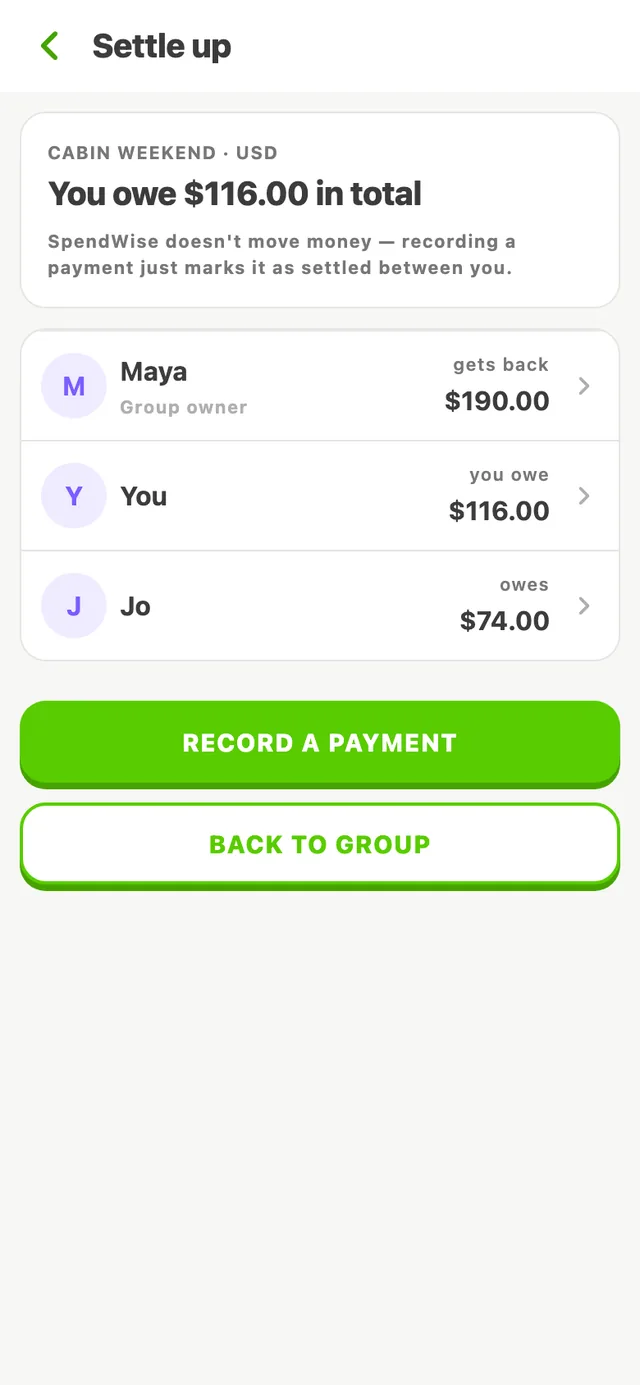
When someone pays you back — by bank transfer, cash or another app — record the payment in SpendWise and balances update for everyone. The person receiving it can confirm it.
SpendWise never moves money. There's nothing to link and no payments to authorise — settling up simply keeps the record straight.
Try it
Maya, Jo and Ravi had dinner. Change the bill, who paid and how to split — and watch the balances stay perfectly even.
Built into your budget
Split expenses aren't a separate world. When you pay a $120 bill for three people:
Example: $120.00 dinner, you paid
Balanced +$80 − $40 − $40 = $0
On the free plan you get one active group with up to five members and five new split expenses per month. Editing expenses, recording settlements and viewing your history never count toward that limit.
Create your free account, start a group, and invite your people.